
Conversion tracking is the practice of recording when someone completes a valuable action after seeing or clicking your marketing, such as submitting a form, starting a WhatsApp chat, booking a call or buying, and tying that action back to the ad, campaign or channel that drove it. It works through a tag or pixel in the browser, a server-side API, or an offline upload from your CRM. Without it, ad platforms optimize toward clicks, and you cannot tell which spend produces revenue.
This pillar guide explains how conversion tracking works, which methods exist in 2026, what to track for lead-gen and ecommerce, and how to check that your numbers are right.
What is conversion tracking, in plain terms?
Every conversion tracking setup answers three questions: what happened, when it happened, and which marketing touch gets credit. A "conversion" is any action you define as valuable. A "conversion action" (Google Ads) or "event" (Meta, GA4) is the technical record of that action.
Platforms use these records in two ways. First, for reporting: the Conversions column in Google Ads or Results in Meta Ads Manager. Second, for optimization: Smart Bidding and Meta's delivery system learn from the conversions you send and look for more people like the ones who converted. That second use is why bad tracking costs money, not just accuracy. If you send junk leads as conversions, the algorithm finds more junk leads.
Conversion tracking is the raw input for marketing attribution. Tracking records the events; attribution decides how to split credit among the touches before them.
How does conversion tracking work?
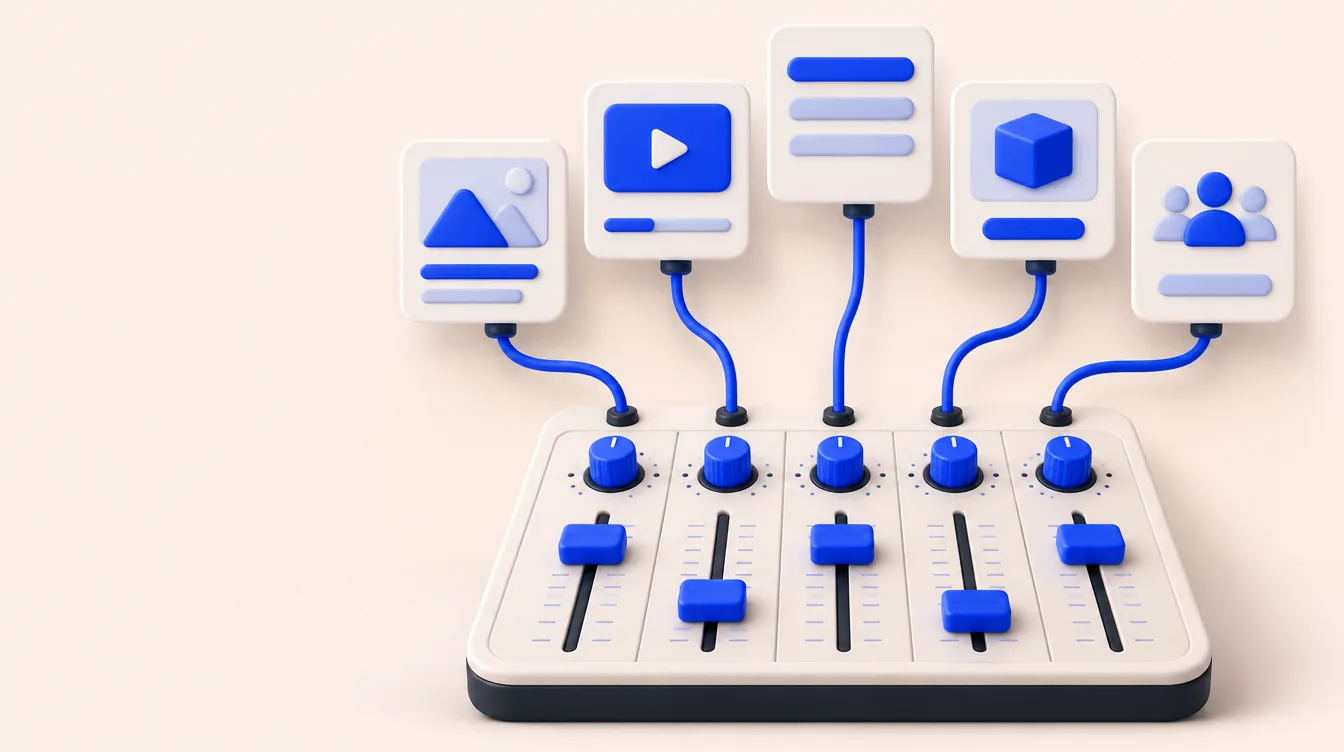
There are four main collection methods. Most teams in 2026 combine at least two.
| Method | How it works | Strength | Weakness |
|---|---|---|---|
| Browser tag or pixel (Google tag, Meta Pixel, TikTok Pixel) | JavaScript on your site fires an event when a page loads or a button is clicked | Easy to install, real-time | Blocked by ad blockers, browser privacy rules and consent refusals |
| Server-side API (Meta Conversions API, TikTok Events API, Google enhanced conversions) | Your server or a partner sends the event directly to the platform | More resilient, can include CRM data | Needs setup and deduplication with the pixel |
| Offline conversion import | You upload CRM outcomes (qualified lead, sale) with a click ID or hashed contact data | Measures what actually matters for lead-gen | Delayed, needs clean CRM data |
| Analytics import (GA4 key events into Google Ads) | Events defined in GA4 are imported as Google Ads conversions | One definition across tools | No view-through data; different attribution rules |
A key detail when you run a pixel and a server API together: the platform needs to know they are the same event. Meta deduplicates browser and server events when the Pixel's eventID matches the Conversions API's event_id and the event names match, and only if both arrive within 48 hours (Meta developer docs). Deduplication is the step most often skipped.
Which conversions should you track?
Track the action closest to revenue that happens often enough for the platform to learn from. For most businesses that means a primary conversion for optimization plus several secondary ones for reporting.
| Business type | Primary (optimize toward) | Secondary (observe) |
|---|---|---|
| Lead-gen with sales team | Qualified lead or booked meeting, sent from the CRM | Form submit, WhatsApp chat started, call |
| Click-to-WhatsApp sales | Qualified conversation or sale marked in the CRM | Conversation started, first reply |
| Ecommerce | Purchase with order value | Add to cart, begin checkout |
| B2B SaaS | Sales-qualified lead or opportunity | Demo request, trial signup |
In Google Ads, the split is explicit. Primary actions are reported in the Conversions column and used for bidding; secondary actions appear only in All conversions and are not used for bidding unless they belong to a custom goal (Google Ads Help). We walk through that setup in our guide to setting up conversion tracking in Google Ads.
How do you set up conversion tracking step by step?
- Write a conversion map. List every valuable action, where it happens (site, WhatsApp, phone, CRM) and who owns it.
- Pick one primary conversion per funnel. Choose the deepest stage that still happens at least a few times a week per campaign.
- Install the base tags. Google tag, Meta Pixel and TikTok Pixel, ideally through Google Tag Manager, respecting your consent banner.
- Add server-side events. Connect Meta Conversions API and TikTok Events API, and turn on enhanced conversions in Google Ads. Pass a shared event ID for deduplication.
- Capture source data on every lead. Store UTMs and click IDs (gclid, fbclid, ttclid) in hidden form fields so the CRM knows where each lead came from. See how to pass UTM parameters into your CRM.
- Send CRM outcomes back. Upload qualified leads and sales as offline conversions so platforms optimize toward revenue, not form fills.
- Set values. Use real order values for ecommerce and expected values per stage for lead-gen.
- Test and reconcile. Submit test conversions, check them in each platform's diagnostics, and compare weekly totals against your CRM.
What does a conversion tracking audit look like? A worked example
Example (hypothetical numbers): a dental clinic group spends $12,000 a month on Meta and Google. Meta reports 410 leads, Google reports 260, and the CRM shows 520 new contacts from paid ads. Sales books 140 consultations and closes 48 treatments worth $1,800 on average, or $86,400.
| Stage | Count | Cost per stage |
|---|---|---|
| Platform-reported leads (Meta + Google) | 670 | $17.91 |
| CRM leads from paid | 520 | $23.08 |
| Consultations booked | 140 | $85.71 |
| Treatments sold | 48 | $250.00 |
The 150-lead gap between platforms and CRM points to double counting (both platforms claiming the same person) and duplicate form submissions. The bigger finding is further down: optimizing for "lead" rewards the cheapest form fills. If the clinic sends "consultation booked" back to Meta and Google as the primary conversion, the platforms learn from 140 good signals a month instead of 670 noisy ones. Revenue on ad spend is 7.2x ($86,400 / $12,000) on CRM data, which is the number to manage, not platform ROAS. Our post on why Meta, Google Ads and GA4 numbers don't match explains the usual causes of these gaps.
What are the most common conversion tracking mistakes?
- Counting every page view of a thank-you page. Reloads and bookmarks inflate counts. Fire on the submit event or use a one-per-click count for leads.
- Multiple primary actions for the same thing. A GA4 import and a Google Ads tag both marked primary for the same form double the Conversions column.
- No deduplication between pixel and server. Missing event IDs make Meta count one lead twice.
- Losing the source at the CRM. If UTMs and click IDs are not saved on the contact, you cannot attribute sales later.
- Ignoring WhatsApp and phone. In LATAM many sales start in a chat, so tracking only forms misses a large share of conversions. See WhatsApp ads attribution.
- Trusting a single platform's numbers. Each platform credits itself. Compare against the CRM every week.
Where does a tool like Admira fit?
Native tags and APIs are free, and for a simple setup they may be enough. The work grows when you sell through a CRM or WhatsApp and need to connect each closed deal to the ad that started it across Meta, Google Ads and TikTok.
Admira is a marketing attribution platform that captures source data on every lead, connects to CRMs such as HubSpot, Salesforce, Kommo and Clientify, and sends CRM events back to ad platforms server-side through its Conversion API. Tracking is cookieless by default. Plans start at $199/month. It is a young brand with few public reviews, and for a pure Shopify store with online checkout an ecommerce tool may fit better.
Who this is for, and when it doesn't apply
For: any team spending on paid ads that needs to know which campaigns produce customers, especially lead-gen, B2B and WhatsApp-led sales where the sale happens after the click.
Less relevant: brands that run no paid media and sell only through referrals, or very early tests where a manual spreadsheet of a few dozen leads is enough. Even then, saving UTMs on each lead from day one costs nothing and saves a rebuild later.
FAQ
What is the difference between conversion tracking and attribution?
Conversion tracking records that an action happened. Attribution decides which ads, channels or touches get credit for it.
Do I need both a pixel and a Conversions API?
Meta and TikTok recommend running both and deduplicating with a shared event ID. The server event recovers conversions the browser misses, and the pixel adds real-time browser signals.
Is conversion tracking legal without cookies consent?
It depends on your country and setup. Respect your consent banner, use Google Consent Mode where relevant, and check local privacy rules such as GDPR or Mexico's data protection law.
What should a lead-gen business set as its primary conversion?
The deepest stage that still happens several times a week, usually a qualified lead or booked meeting sent back from the CRM.
How long does it take to set up conversion tracking?
Base tags take an hour or two. Server-side events, CRM capture and offline uploads usually take days to a few weeks, depending on your CRM.
Why do my ad platforms report more conversions than my CRM?
Each platform counts conversions it can claim, including view-through and modeled ones, and several platforms can claim the same person. Your CRM counts each lead once.
Can I track conversions from WhatsApp chats?
Yes. Click-to-WhatsApp ads pass a referral with a click ID, and you can send qualified chats or sales back to Meta from your CRM or an attribution tool.