Click-to-WhatsApp ads are Facebook and Instagram ads whose button opens a WhatsApp chat with your business, and you set them up in Ads Manager by choosing an objective (Engagement, Leads, Sales or Traffic), setting the conversion location to Messaging apps > WhatsApp, picking the WhatsApp number linked to your Facebook Page, and writing the greeting people see when the chat opens. Running them well depends on three things that happen after the click: how fast you reply, how you qualify, and whether you tell Meta which chats became sales.
This guide covers setup, objective choice, message templates, conversation handling, a worked example and common mistakes. Platform details come from Meta's Marketing API documentation for Click-to-WhatsApp ads and WhatsApp Business pages, checked in November 2026.
How do Click-to-WhatsApp ads work?
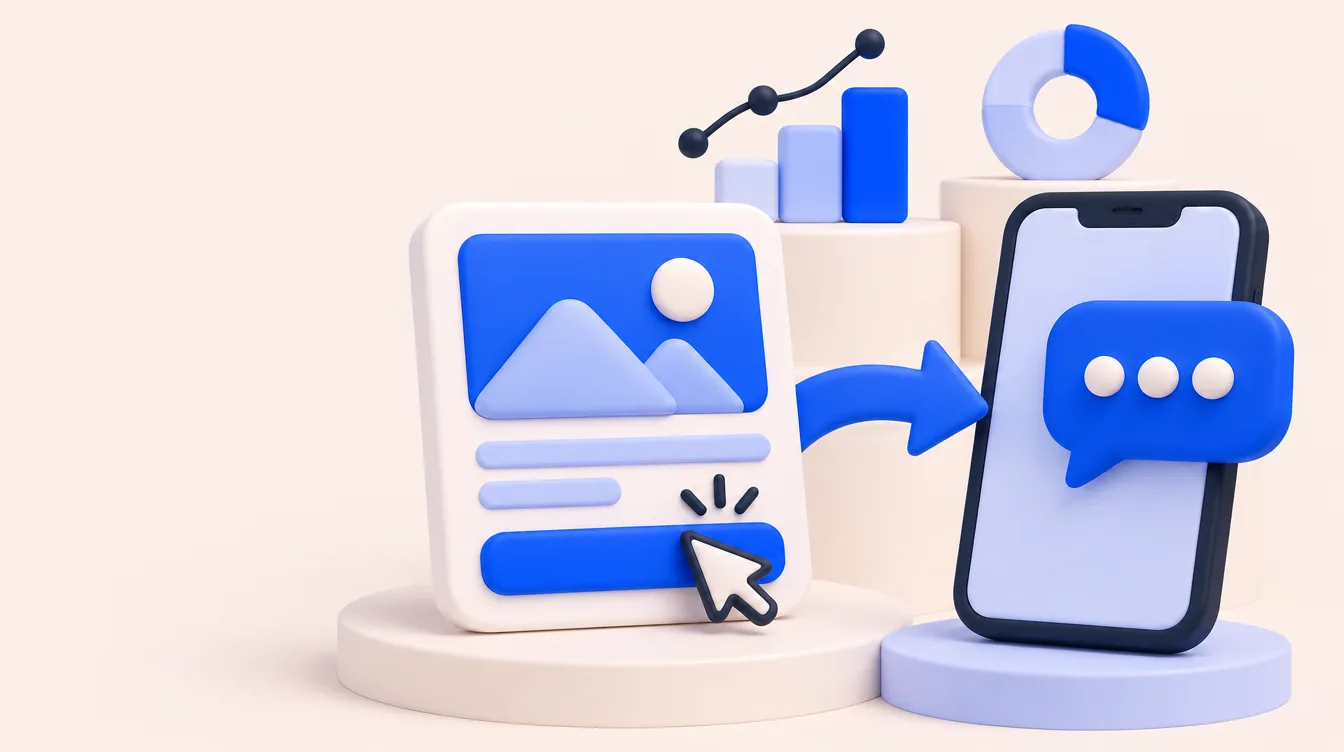
- Someone sees your ad on Facebook or Instagram. Meta also lets you add the WhatsApp Status placement through placement targeting.
- They tap the button (for example "Send WhatsApp message").
- WhatsApp opens with a prefilled message. Meta's default is "Hello! Can I get more info on this?", and you can replace it.
- They send it. The chat lands in your WhatsApp Business app or in the tool connected to your WhatsApp Business Platform number.
- Your team (or a bot) replies, qualifies and moves the lead toward a sale.
The ads support image, video, carousel and slideshow formats. There is no landing page, which is why measurement works differently from a normal web campaign.
What do you need before launching Click-to-WhatsApp ads?
| Requirement | Detail |
|---|---|
| A WhatsApp Business number | WhatsApp Business app or a WhatsApp Business Platform (API) number. Personal WhatsApp accounts are not used for these ads. |
| Number linked to your Facebook Page | Meta requires a Page with a linked WhatsApp number |
| Ads Manager access and a payment method | Standard ad account setup |
| Someone to answer | Named people and hours. A chat that waits hours is often a lost lead. |
| A place to record outcomes | A CRM such as Kommo, Clientify or HubSpot, with stages like qualified, quote sent and won |
The app versus Platform choice matters later. The Business app is fine for a small team answering from one phone and linked devices. The Platform, usually through a provider or a CRM like Kommo, gives you shared inboxes, automations, webhooks and the click identifier (ctwa_clid) needed to send sales back to Meta.
Which objective should you choose for Click-to-WhatsApp ads?
Meta's API documentation lists four objectives for these ads, each with different optimization goals:
| Objective | Optimization goals available | When to use it |
|---|---|---|
| Engagement | Conversations, link clicks | Default starting point for chat volume; required for ads with call prompts |
| Leads | Conversations | When the chat itself is your lead and you want lead-gen reporting |
| Sales | Conversations, offsite conversions, link clicks, impressions, reach | When you send purchase or sale events and want to test optimizing beyond conversations |
| Traffic | Conversations, landing page views, link clicks, impressions, reach, post engagement | Rarely the best fit for chat campaigns |
Practical rule: start with Engagement or Leads optimized for conversations. Once you are sending qualified and sale events back to Meta, test a campaign that uses those signals against your conversation-optimized baseline. Our guide to optimizing Meta ads for qualified leads explains why chat volume alone misleads the algorithm.
How do you set up Click-to-WhatsApp ads step by step?
- Link your number. Connect your WhatsApp Business number to your Facebook Page (in the Page's linked accounts settings or Meta Business Suite).
- Create the campaign. In Ads Manager, click Create, choose your objective and name the campaign with a consistent convention, for example "CTWA | Leads | Product | Month".
- Set the conversion location. At the ad set level, choose Messaging apps, select WhatsApp, and pick the number. Some accounts label this "message destinations".
- Budget and schedule. WhatsApp Business recommends running the ad for at least seven days.
- Audience. WhatsApp Business suggests an audience of roughly 2 to 10 million people performs best. Exclude existing customers if your CRM list allows it.
- Build the ad. Pick a format, write the copy, and make the offer clear before the tap so the chats that arrive are already relevant.
- Write the message template. Set the greeting, the prefilled message and up to a few ice breaker questions. Options include an autofilled message, an automated greeting with a call, URL, catalog or Flow button, and ice breakers.
- Test before publishing. Preview on a phone, tap the button, send the message and confirm it reaches the right inbox and gets the auto-reply.
The steps above follow the setup flow on the WhatsApp Business page for these ads; labels in Ads Manager change from time to time.
How do you write a greeting that gets qualified chats?
The prefilled message should tell your team which ad the person came from and what they want. Ice breakers should split intent early.
- Real estate: prefilled "Hi, I want info on the 2-bedroom units in Tower B." Ice breakers: "Prices and payment plans", "Book a visit", "Location and amenities".
- Education: prefilled "Hi, I want info on the online MBA, January intake." Ice breakers: "Tuition and scholarships", "Admission requirements", "Talk to an advisor".
- Clinic or services: prefilled "Hi, I want a quote for the treatment in the ad." Ice breakers: "Price", "Available dates", "Where are you located?".
A product-specific prefilled message also helps measurement: even without an API connection, your team can see which offer started the chat.
How should your team handle the conversations?
- Reply fast. Set a target (for example under five minutes during business hours) and an automated first reply for the rest.
- Know the messaging windows. On the WhatsApp Business Platform, a 24-hour customer service window opens when the user messages you, and outside it you can only send templates. When the chat comes from a Click-to-WhatsApp ad on Android or iOS and you reply, Meta opens a free entry point window; Meta's pricing documentation says it can stay open for up to 7 days, and messages in it are not charged (except Meta Business Agent messages). Older guides say 72 hours, so check the current page.
- Qualify with three questions. Budget or plan, timing, and location or product. Record the answers as CRM fields, not just in the chat.
- Move stages in the CRM. Qualified, appointment or visit, quote, won. This is the data you will need to judge each ad. In Kommo, see how to measure sales from ads in Kommo.
Example: two ads with very different results
Example (hypothetical numbers): one month, $3,000 split evenly between two ads.
| Ad A (discount angle) | Ad B (product demo video) | |
|---|---|---|
| Spend | $1,500 | $1,500 |
| Conversations started | 750 ($2.00 each) | 500 ($3.00 each) |
| Qualified (budget and timing fit) | 150 (20%) | 200 (40%) |
| Sales | 15 | 28 |
| Cost per sale | $100 | $53.57 |
Ads Manager would favor Ad A on cost per conversation. The CRM says Ad B sells almost twice as efficiently. That is why the next step after launch is measurement.
What are the most common Click-to-WhatsApp mistakes?
- Leaving Meta's generic prefilled message, so nobody knows which offer started the chat.
- Launching without a reply plan for nights and weekends.
- Judging ads only by cost per conversation.
- Answering from a personal phone with no CRM record, so sales are never tied to ads.
- Changing creatives every two days before an ad set has enough conversations to learn.
- Never sending qualified or sale events back to Meta, so it keeps finding people who chat but don't buy.
How do you measure Click-to-WhatsApp results?
Briefly: count conversations in Ads Manager, but judge ads by qualified leads and sales in your CRM, and send those outcomes back to Meta. For metrics and formulas, see WhatsApp campaign metrics. For the attribution side, read WhatsApp ads attribution and our Meta Conversions API guide. Admira's WhatsApp attribution ties each chat to the ad that started it and to the sale in your CRM, and sends those events back to Meta. It needs a WhatsApp Business Platform connection or a supported CRM, and it will not fix slow replies.
Who Click-to-WhatsApp ads are for, and when they don't fit
Good fit: businesses where buyers want to ask before buying: real estate, education, clinics, financial services, B2B quotes and high-ticket retail, especially in Mexico and LATAM where WhatsApp is the default channel.
Weaker fit: low-ticket ecommerce with a simple checkout (a product page may convert better), and teams that cannot staff replies.
FAQ
Do I need the WhatsApp Business API to run Click-to-WhatsApp ads?
No. The WhatsApp Business app works. The Platform (API) is needed for shared inboxes at scale, automations and sending conversion events back to Meta.
Which objective is best for Click-to-WhatsApp ads?
Start with Engagement or Leads optimized for conversations. Test Sales once you send sale events back to Meta.
Can I change the default "Hello! Can I get more info on this?" message?
Yes. In the ad's message template you can set your own prefilled message, greeting and ice breakers.
Are conversations from Click-to-WhatsApp ads free?
On the WhatsApp Business Platform, Meta does not charge messages sent inside the free entry point window opened by a reply to an ad chat, except Meta Business Agent messages. You still pay for the ads.
How long should I run a Click-to-WhatsApp ad before judging it?
WhatsApp Business recommends at least seven days. Judge on qualified leads and sales, which may take longer than a week to appear.
Can these ads run in WhatsApp itself?
Meta lets advertisers enable the WhatsApp Status placement through placement targeting, in addition to Facebook, Instagram and Messenger.